


6 Production Grade Infrastructure as Code Practices for DevOps Teams

Infrastructure as code (IaC) declares servers, networks, and services in machine-readable definition files, then applies them through automated pipelines rather than manual clicks. This produces reproducible, version-controlled environments that eliminate configuration drift. Provisioning tools like Terraform build the infrastructure; configuration tools like Ansible then set it up for use, a division of labor that underpins most reliable deployment systems today.
TL;DR:
Using declarative tools like Terraform for provisioning cloud resources and imperative tools like Ansible for ongoing configuration provides clear role separation and avoids overlapping responsibilities.
Maintaining isolated remote state files for each environment prevents accidental overwrites and resource destruction caused by simultaneous changes.
Implementing layered testing, from linting to sandbox integration tests with automated teardown, helps catch errors early and reduces the risk of misconfigurations affecting production.
Pinning specific, tested versions of providers and container images, and avoiding
latesttags, ensures stability and predictable infrastructure updates.Regular scheduled
planruns on disposable environments help detect drift and manual changes, reducing latent issues that could lead to outages.
PROJECT-JTH
Bring Clarity to Complex Operations
PROJECT-JTH provides technical advisory services and architecture guidance for organizations navigating operational challenges under pressure.
Table of Contents
Why Infrastructure as Code Matters for DevOps Teams
Before IaC, engineers made one-off changes directly on production servers, an approach that eventually produces what Martin Fowler calls “snowflake servers”: machines so heavily customized by hand that nobody can reliably recreate them. When the server fails, the team is rebuilding from memory instead of from code.
Codifying infrastructure changes and running them through version control fixes this at the root. A pull request shows exactly what will change before it changes, and a rollback is a git revert instead of a forensic investigation.
The risks don’t disappear entirely, though. Teams still need to watch for:
State conflicts when two engineers apply changes simultaneously against the same environment.
Secrets exposure, since state files often capture sensitive values in plain text.
Untested applies, where a change that looks fine on paper breaks a live dependency.
Microsoft’s guidance on infrastructure as code frames this as the core tradeoff: IaC removes drift and human error, but only if teams treat the code itself with the same discipline as application code.
Declarative vs. Imperative: Which Approach Fits?
Declarative tools describe the end state you want and let the tool figure out how to get there. Terraform and cloud-native options like CloudFormation and Bicep work this way: you define what “done” looks like, and the tool computes a plan to reach it, showing you exactly what will change before anything runs.
Imperative tools instead give explicit, ordered instructions. Some Ansible playbooks work this way when they describe a sequence of tasks rather than a target state.
Rules of thumb that hold up in practice:
Use declarative tools for provisioning cloud resources, where idempotence and preview plans matter most.
Use imperative steps for one-time migrations or sequences where order genuinely matters.
Mix both deliberately: many production pipelines run Terraform for infrastructure and an imperative Ansible playbook for a specific configuration task that resists declarative modeling.
Avoid imperative scripts for anything you’ll run repeatedly. They tend to accumulate hidden state over time.
Common Infrastructure as Code Tools and How Teams Use Them
Provisioning tools stand up the raw infrastructure: compute instances, networks, databases, load balancers. Terraform is the most widely adopted cross-cloud option; AWS CloudFormation and Bicep serve the same role natively inside AWS and Azure; Pulumi lets teams write infrastructure definitions in general-purpose languages like Python or TypeScript instead of a domain-specific syntax.
Configuration management tools take over once the infrastructure exists. Ansible is the dominant choice here, installing packages, applying settings, and managing users on machines Terraform already created.
A few practical notes worth keeping in mind:
Managed cloud-native templates (CloudFormation, Bicep) often win when a team is single-cloud and wants tight native support without an extra tool to maintain.
Pulumi appeals to teams that want infrastructure logic to live in the same language as their application code.
Toolchains rarely stay pure. Most real pipelines integrate two or three of these tools rather than relying on one.
Practical Best Practices for Production-Grade Infrastructure as Code
Microsoft’s Well-Architected guidance on infrastructure as code design points to a consistent set of habits among teams that avoid IaC incidents. Here’s the priority order that matters most:
Design single-responsibility modules. Keep environment-specific logic out of shared modules; pass differences in as parameters instead.
Isolate remote state per environment. A shared state file across dev, staging, and production is how one team’s mistake destroys another team’s resources.
Keep secrets out of state entirely. Use a dedicated secret store and grant the pipeline only the access it needs, not standing credentials.
Build a layered testing pipeline. Linting and static validation catch syntax issues; integration tests that provision real infrastructure into a sandbox account catch the failures that only show up at runtime; security scanning and policy-as-code catch misconfigurations before they ship.
Use ephemeral environments and destroy pipelines. Spin up infrastructure for a pull request, test against it, then tear it down automatically to control cost and sprawl.
Enforce tagging and naming conventions. Consistent tags make audits and cost attribution possible; without them, nobody can tell what a resource is for six months later.
Pro Tip: Run your integration tests against a real, disposable sandbox account rather than mocked resources. Static analysis will pass code that still fails the moment a cloud provider’s API behaves differently than expected.
Terraform vs. Ansible: Where Each One Actually Belongs
The most common question teams ask isn’t “which tool is better” but “what does each one actually do.” Red Hat’s comparison of Ansible and Terraform draws the line clearly: Terraform is stateful and built for Day 0 provisioning, tracking every resource it creates in a state file. Ansible is largely stateless, built for Day 1 and beyond, running configuration tasks against machines that already exist.
The pattern that works in most pipelines:
Terraform provisions the servers and outputs an inventory of what it built.
Ansible reads that inventory and configures each instance: installing software, applying settings, managing users.
Neither tool tries to do the other’s job, which keeps state ownership unambiguous.
Red Hat’s own recommendation backs this sequential handoff rather than forcing a single tool to cover both jobs. Teams with simple, mostly static infrastructure sometimes skip Ansible entirely and use Terraform’s provisioners for light configuration. Teams managing large fleets of long-lived servers usually need Ansible’s ongoing configuration muscle regardless of what provisioned them.
Designing IaC Pipelines: Layers, Gates, and Cleanup
A pipeline that treats every change the same way, whether it’s a tag update or a database migration, is a pipeline that eventually approves something dangerous by accident. Layering by resource “touch level” fixes this.
Low-touch changes (tags, descriptions) can auto-apply after linting passes.
Medium-touch changes (scaling, non-production networking) require static analysis and policy-as-code checks before merge.
High-touch changes (production databases, IAM policies) require integration tests against a sandbox plus a human approval gate.
Every layer runs through the same core gates: lint, static validation, security scanning, and a plan review that shows exactly what will change.
Ephemeral pull-request environments let reviewers see a real, running version of the change before approving it, then get destroyed automatically once the PR closes or merges. Between deploys, a scheduled plan run on a cron job catches drift, someone made a manual change in the console, before it causes an incident. Pair this with automated destroy pipelines triggered by tagging rules (anything tagged temporary older than 48 hours gets torn down) to keep non-production sprawl and cloud spend under control.
Common Pitfalls and Anti-Patterns to Avoid
Most IaC incidents trace back to a small set of repeated mistakes:
Shared monolithic state files. Two engineers applying against the same state file simultaneously is one of the most reliable ways to destroy resources unintentionally; isolating state per environment closes this gap.
Secrets leaking through state or outputs. A database password passed as a Terraform output ends up in plain text in the state file and often in CI logs too.
Running
applyfrom a local terminal against production. This bypasses every gate your pipeline exists to enforce, and nobody else sees what changed.Overly coupled, environment-specific modules. A module hardcoded for production can’t be safely reused for staging, which defeats the purpose of writing it as a module at all.
Using
latesttags on provider versions or container images. Well-Architected guidance is explicit here: pin specific, tested versions, because an untested upstream update can break your apply with no warning.
Pro Tip: If you can’t explain who last ran apply against production and why, your pipeline has a gap, not a tooling problem.
Practitioner Checklist and PROJECT-JTH Implementation Notes
A one-week audit surfaces most of the risk sitting in an existing IaC setup. Work through it in this order:
Day 1: Inventory every state file and confirm isolation per environment.
Day 2: Search state and outputs for exposed secrets; migrate anything found into a proper secret store.
Day 3: Review pipeline gates: is there linting, static validation, and security scanning on every apply?
Day 4: Audit modules for environment-specific hardcoding and single-responsibility violations.
Day 5: Confirm integration tests exist and actually provision into a sandbox, not just mocked resources.
PROJECT-JTH’s Infrastructure Automation & Ansible Review engagement walks through exactly this sequence with teams that suspect their IaC has drifted from best practice but don’t have the internal bandwidth to audit it themselves. The review typically surfaces state isolation gaps and secrets exposure as the two highest-severity findings, consistent with what shows up across the industry more broadly.
What Actually Slows Down Infrastructure as Code Adoption
The technical patterns in this article are well documented and not particularly controversial. What derails adoption in practice is rarely the tooling. It’s organizational friction: the team that has “always deployed this way,” the one engineer with tribal knowledge nobody wrote down, the approval process that treats a one-line tag change and a database migration identically.
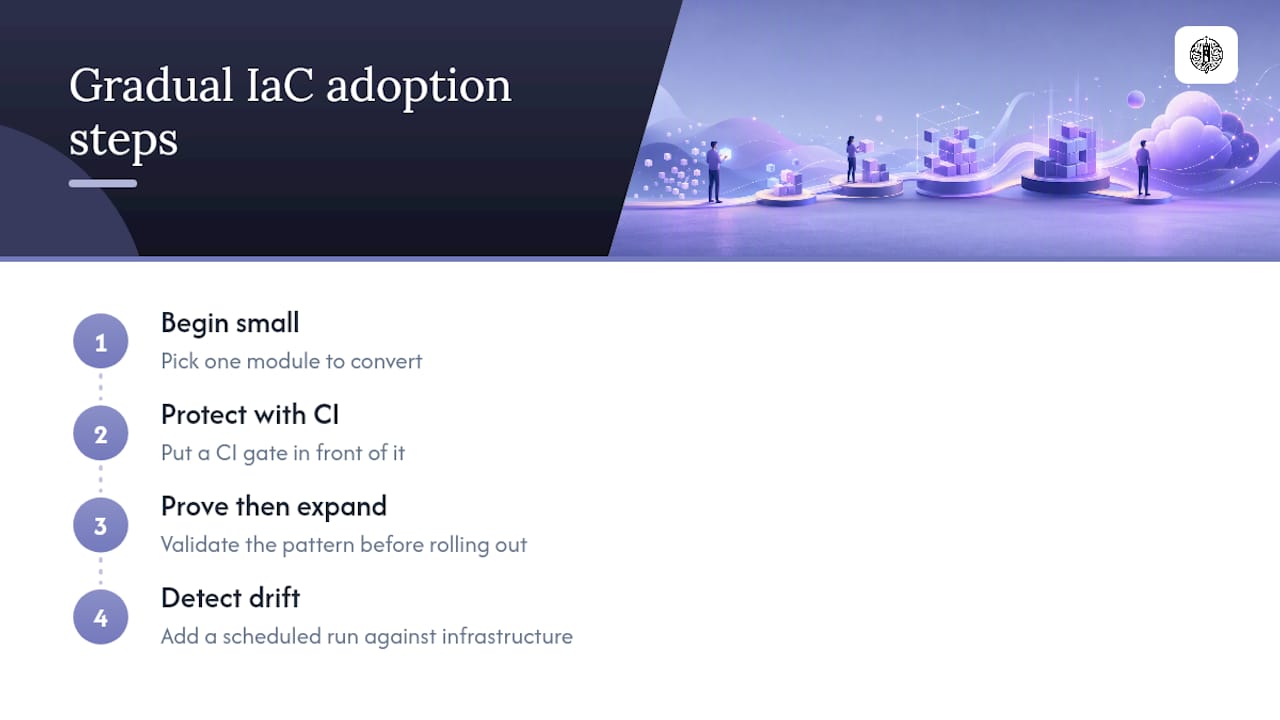
If you’re starting from zero, don’t try to convert your entire estate to IaC at once. Pick one module, put a CI gate in front of it, and prove the pattern works before expanding. Then add one thing this week: a scheduled plan run against your existing infrastructure. It costs almost nothing to set up, and it will tell you, often for the first time, how much drift has already crept in.
— Jesse Hart
Sources
FAQ
What Is Infrastructure as Code?
Infrastructure as code is the practice of defining servers, networks, and other infrastructure in machine-readable files, then provisioning them through automated tooling instead of manual setup. This approach produces reproducible, versioned environments that reduce configuration drift and support faster, safer deployments.
What Are Examples of Infrastructure as Code?
Terraform, AWS CloudFormation, Bicep, and Pulumi are provisioning examples that create cloud resources from declarative definitions. Ansible is a configuration example, applying settings and installing software on machines that already exist.
What Is the Difference Between Terraform and IaC?
Infrastructure as code is the broader practice; Terraform is one specific tool that implements it. Terraform is stateful and built for Day 0 provisioning, tracking every resource it creates in a state file, while other IaC tools like Ansible handle ongoing configuration instead of initial provisioning.
Should a Small Team Use Both Terraform and Ansible?
Not always. A team with simple, mostly static infrastructure can often rely on Terraform alone, using its provisioners for light configuration tasks. Teams managing larger fleets of long-lived servers generally need Ansible’s configuration capabilities on top of what Terraform provisions.
How Do Teams Prevent Configuration Drift?
Scheduled plan runs between deployments catch drift by comparing live infrastructure against the code that’s supposed to define it. Combining this with isolated remote state per environment and strict CI gates addresses most of the drift that causes production incidents.
